
Class 18 Notes
(notes are in progress and are subject to change)
|
|
|
Class 18 Outline
<Log On>
Discourse
Minimize Discourse
Hands-on: Animating a GIF File Using Photoshop Elements 6
"Build" an animation that you can use in your PowerPoint presentation

FYI - All My Faves
Report on PSE6 Download
Presentation Guidelines for Thursday, November 3rd
Good Examples from Former Students
If you can master these fundamental concepts, your graphical treatments — from PowerPoint slides to Microsoft Word documents to company brochures — will greatly improve. And even if you will never be the one actually making (designing) the documents, you will be able to better judge what is good visual communication and what is not.
http://www.eirikso.com/2006/06/22/how-to-make-illustrations-even-if-you-cant-draw/
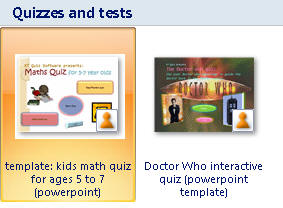
Office PowerPoint 2007 includes built-in templates and you can download additional Office PowerPoint 2007 templates by going to Office Online Templates.


Now change to outline view
(tab on upper left)


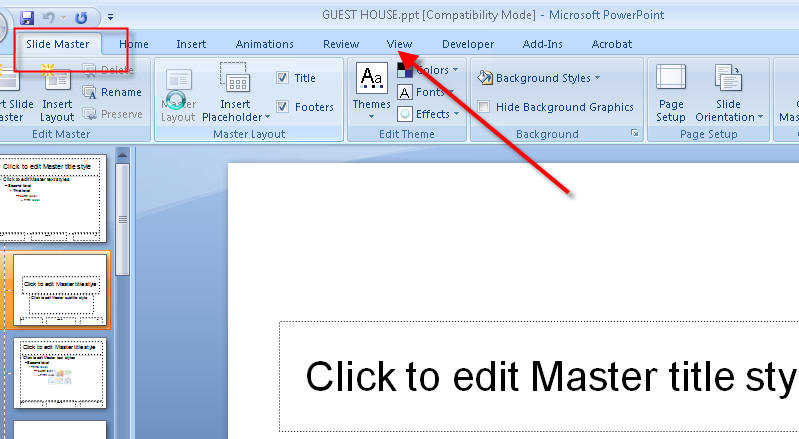
Slide Master/Inserting Music and Videos


FYI: Inserting pictures into Slide Presentations
PowerPoint works a lot like Word. Once the picture is on the slide, it doesn't matter where it came from. You can copy and paste a picture to your presentation. However, you should be sure that you see the picture and not a link to a website with the picture. You can use the Insert >> Picture from file to insert a picture that you already have saved.
You can also use an animated GIF that you create, but you must "View Show" before it animates.
Homework:
1. Read the following links that are on the class web page. After reading the articles, make a blog entry with your reaction to the articles and advice for your classmates on their PowerPoint presentations. Make a list of five guidelines that YOU think are important - including what you find annoying about bad PowerPoint presentation.
Top Ten Slide Tips
Recommendations for Faculty on PowerPoint (presentation to TU Teaching and Learning Committee, also presented at EDUCAUSE Conference)
Really Bad Power Point - and How to Avoid It
2. Text: Chapters 12 & 13 (499-564) Creating Presentations
3. Be planning your major PPT presentation on your preferred/selected field of study, due Tuesday, November 3rd. Don't wait till the last minute!
<Log off>