
Class 2 Notes
(notes are in progress and are subject to change)
|
|
|
<Log On>
Choose your computer for the semester at the beginning of class
Introduction and Outline:
Discourse
TLearn - can you see your grade entries?
Delicious - review and expand
Blog Updates
Network Folders
Class
Groups
Shortcuts
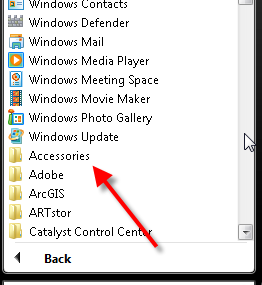
Screen Shots - if there is time
Reading Review
Introduce Discourse (131.194.71.230)
Minimize Discourse
Review Delicious
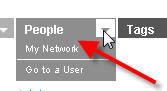
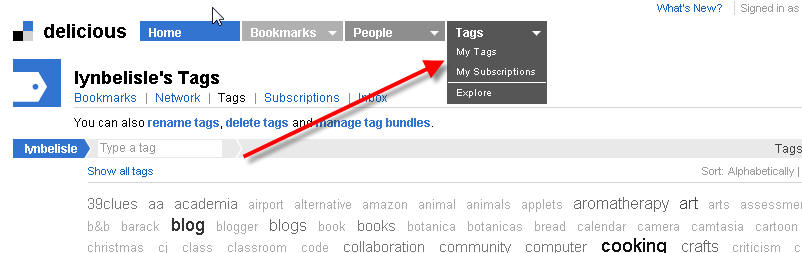
You will be adding three new links to your favorites. Share your username with someone next to you and check out each other's links under the people tab. Check out your tag cloud.
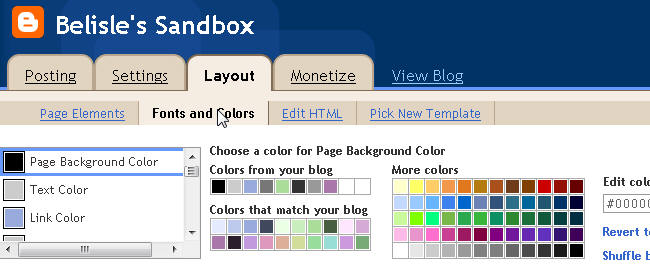
Editing and Customizing Your Blog
Hyperlink your email address>: <a href="mailto:usrname@trinity.edu">Email
Me</a>
How to add a photo to your profile (sidebar)
Accessing and using Network Drives
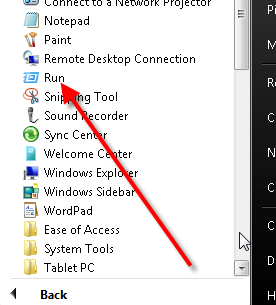
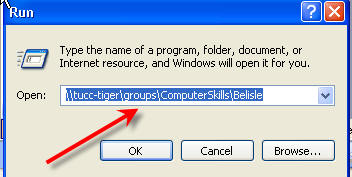
Copy 2Practice from Class to Groups by typing \\tucc-tiger\Groups\ComputerSkills\Belisle\ in run window
 |
 |

Read document in practice folder - it is important!!
Create shortcuts
Shortcuts - Use help menu in Windows and look in the index for creating shortcuts.
Create a shortcut to class folder jbelisle on N drive and move it to your users folder on Y.
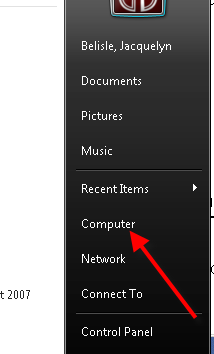
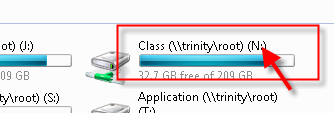

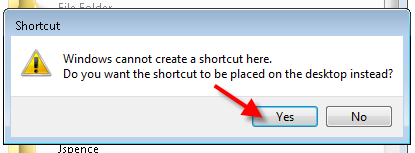

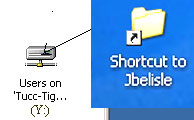


Use shortcuts to copy 2scavenge from Class to shared folder in Groups
Scavenger Hunt Assignment (20)
1. In your shared (Groups)folder in \\tucc-tiger\groups\ComputerSkills\Belisle\ there is a folder named 2scavenge with your class time.
2. Open the folder, open the file in the folder, and answer the questions. To answer the last question, you will first need to leave comments on two of your classmates’ journal entries. Please choose entries that do not already have two comments; then copy and paste the URL of the blog where you left the comment. For example, if you left a comment on Ms. Belisle’s journal entry, the URL would be: http://www.lynbelisle.blogspot.com
3. Save the document inside the 2scavenge folder.
Note: Please make sure you have your textbook by the next class
<log off>