
Class 7 Notes
(notes are in progress and are subject to change)
|
|
|
<Log On>
Discourse
Minimize Discourse
Copy 7wordspread from Class folder to your Groups (shared) folder
Class 7 Outline
Word Advanced Formatting, continued from class 6
Introduce Class Wiki
Be able to set margins (Page Layout tab >> Page Setup)
Be able to insert comments (Review tab >> Comments)
Be able to use spell check feature. (Review tab>>Proofing)
Be able to insert page breaks. (Insert >> pages)
Be able to use styles (Home >> Styles)
Formatting with styles and themes
Dividing a document into
sections
Creating a table of contents
Be able to use the clipboard with multiple copies before
pasting.
Be able to create a table, enter data and format individual
cells.
Be able to use MS Word 2007 to save document in PDF format
Understand Homework
Class Wiki - NEW!!!!!!!
Worksheet, continued
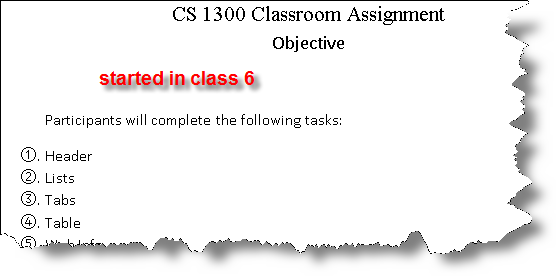
Open Word practice assignment: - proceed with Table Formatting using the clipboard
Volcanos - textbook, Chapter 4, pp. 137-184
Open Volcanoes - proceed with formatting Table of Contents, Tables, etc. in class
Copy 7wordspread from Class folder to your Groups (shared) folder
Open a new blank Excel workbook. Call it Practice and save it in 8wordspread.
Excel Basics - cells, rows, and data types
Formula bar
My Dear Aunt Sally
Entering and moving information
Autofill & Format Painter
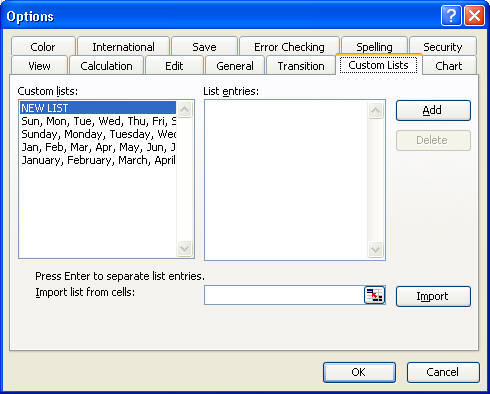
Tools Menu & Custom Lists
Using the Print Preview and Page Setup menu

Practice Spreadsheet: Guesstimates
Reading: Text: Chapter 5: Using a Spreadsheet, pp
185-242


Note - you do not need to print out the worksheets as instructed in the book, but make sure they are completed and saved in the correct folder
Microsoft Excel 2007
Training
(beginner)
http://office.microsoft.com/training/training.aspx?AssetID=RC100766511033
<Log Off>