Class 20 Notes
(notes are in progress and are subject to change)
|
|
|
Introduction:
<Log On>
Discourse
Minimize Discourse
******PowerPoint Presentations and
Critiques, Continued
Please try to limit your presentation to two or three minutes - I will be happy to remind you
:-)
You can continue to use document inside 19PPTEval to take notes as others present - you will have a separate blog entry for comments on today's presentation (see below).
Photoshop Elements Practice:
Corrections, Continued - Open the subfolder called Corrections and follow the directions
- Magic Wand Tool
- Clouds Filter
- Lens Flare Filter
A simple Two-Layer Photocollage
Transforming a Snapshot into a Sepia Vignette Portrait
Homework:
1. Make a new blog entry adding comments on any of today's presentations and add a comment to the blog of one of your favorites.
2. Make Your Own Picture That Lies - remember http://news.com.com/2300-1026_3-6033210-1.html ?
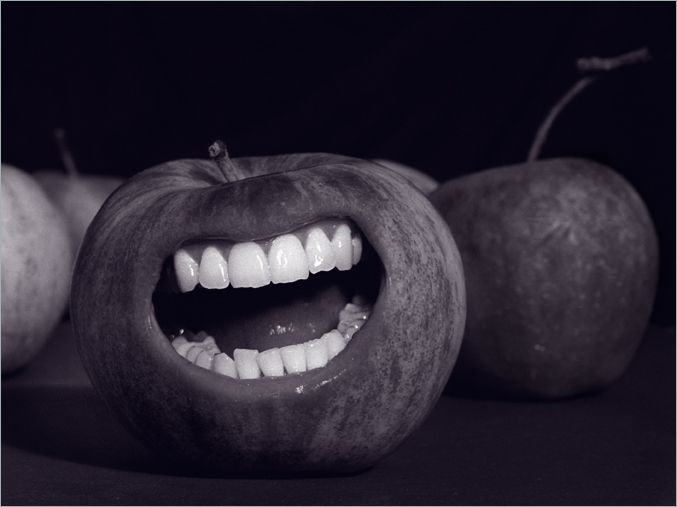
Using Photoshop Elements 6 tools, manipulate a photograph of your own choice so that it has a different meaning or appearance from the original (this can be your own picture or one that you download from the internet). Use at least 3 tools or adjustments (brightness/contrast, hue, saturation, etc). Be creative! Save two copies, one as a working (layered) photoshop project (.psd file) and one as a flattened image (.jpeg). Be sure to save a copy of the original(s) in the folder. Total: 12 points
<Log Off>