
Class 24 Notes
(notes are in progress and are subject to change)
|
|
|
<Log On>
Discourse
Minimize DiscourseHands-On QUIZ: Open the folder called HTML.PSE and follow the directions.
Imagemaps in Photoshop Elements and hyperlinking it using Expression Web
Examples:
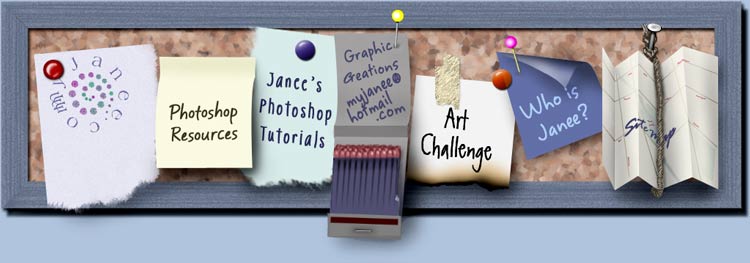
In-class activity using imagemap files in 24webplan folder (see example, below)

In Class: Constructing an Imagemap to use as a Navigational Bar
Student Website Examples:
Imaginative Design:
http://www.cs.trinity.edu/~sjackso1/index.htm
Nice Gallery of Photography with good Navbar Imagemap:
http://www.cs.trinity.edu/~sware/
Good example of non-personal informational site:
http://www.cs.trinity.edu/~kmorris/index.htm
Homework: Planning Your Website
Follow the instructions in the document called webguideline.docx to complete the webplan.docx homework - you will be making a rough diagram of what you want to include in your website. (12)
<Log Off>