
Class 17 Notes are in progress and are subject to change
|
|
|
|
|
class 17 outline:
<Log On>
Discourse
Minimize Discourse
Using the Scanner
Have a volunteer scan a photo, first at 72 ppi and then at 300 ppi. Save both files to the desk top. Open both in PSE and turn on the rulers - drag one onto the other to see what happens.
Scan stamp - because it is small, you will want to scan at a high resolution to use in PPT, etc.
Scan objects for "instant" graphic design
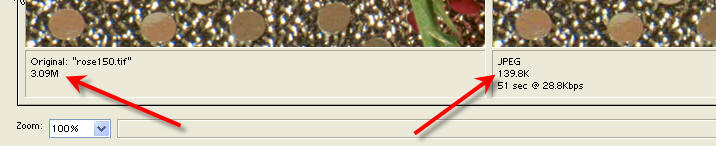
Image File Sizes
Image Size and Resolution
Copy 17animate from Class to shared folder - we will continue with advanced Photoshop Techniques
In Class: create and animation that can be used on the web or in a presentation.

Complete animation begun in class if necessary
Over spring break, collect photos from your home town to be used in a postcard design. If you are not going home during break, search online for photos from such non-copyright resources as Stock Exchange and Flickr.
<Log Off>