 |
Class 24
Notes are in progress and are subject to change
|
<Log On>
Discourse
Minimize Discourse
Copy 24imagemap from Class to Groups
In your Groups folder, right-click and create an
empty folder called 26myweb. This will be where you create your own site.
Inside, create a subfolder called "images" - all of your pictures will go in
this subfolder.
Hands-On QUIZ: Open
the folder called HTML.PSE and follow the directions.
Great Web Design (using tables effectively)

Student examples from last semester -
Examples:
An Artist's Website
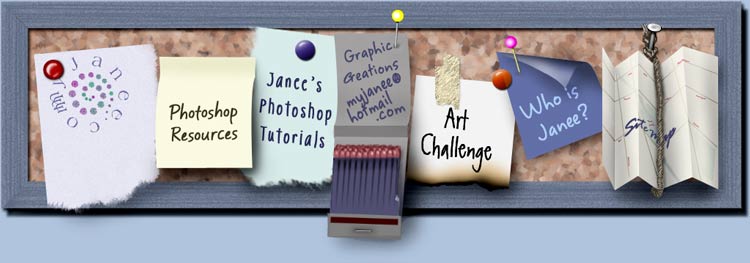
In-class activity using imagemap files in 24webplan folder
(see example, below)

Navbar Example
In Class: Constructing an Imagemap to use as a Navigational Bar
Also:
Student Website Examples:
Homework:
Collect pictures that you want
to use on your website. Resize them if necessary and put them in your Images
subfolder. Make sure your 26myweb folder has all five pages created and linked
to each other even if the pages are blank. Be prepared to work in class on
Thursday. Download Expression Web and/or Kompozer. Your 26myweb folder will be
checked for site files.
<Log Off>