.
 |
Class 12
Notes are in progress and are subject to change
|
Class 12 Outline
- Understand the basics of different kinds of
graphical formats - .jpeg, gifs, tiff
- UNDERSTAND PIXELS AND DIMENSIONS
- Understand the basic tools in PSE6/7/8/9/10
- Understand layers and moving images from one
frame to another
Discourse
Minimize Discourse
Midterm Review at end of class
Another site with manipulated phtotos
-
| What is
Photoshop good for in an academic environment (and after
graduation)??
Communications awareness - digital images are play a larger
part in communications, visual literacy is vital
- Visual literacy is based on the idea that
pictures can be “read” and that
meaning can be communicated through a process of reading. If
that is the case, you need to know whether what you are
"reading" is true.
- It's important to know good practice, techniques and methods
of working with digital images. How to crop and adjust
images for print and screen use. Resolution, file sizes, file
types, the possibilities and limitations of resizing, color
profiles and working with layers.
- If you’re running a business and maintaining an online
presence through a blog or official website, you need Photoshop.
- Design jobs can be costly, but investing in your own
Photoshop license allows you to take full advantage of the
benefits of an in-house design resource.
- "Photoshop is the canvas of the future as it allows the
freedom to do virtually anything you want with an image as long
as you have the skills to pull it off and make it pure quality."
True?
|
- What if you don't have
Photoshop yet but you still want to play with pix?? See
this!
-
iPiccy
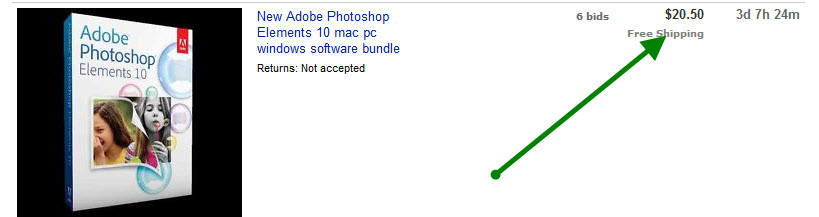
- Photoshop Elements: How to get it
cheap or free (trial version - do not download yet)
- Adobe.com
- eBay
- GIMP
Copy 12digital from class to groups
Graphical Formats Chart
What you absolutely, positively need
to know about image file formats
- and also know why you need to know it.
Use EPS and TIFF for
print
publishing. Use GIF, PNG, and JPG for
online
publishing. |
|
TIFFs (and EPS) |
JPEGs |
GIFs |
-
TIFF (Tagged Image File Format) is the
most widely supported graphics file
format for printing.
-
Although TIFF is not suitable for viewing in Web
browsers, it has other strengths: it is a highly flexible format
which is supported by numerous image processing applications.
-
Figures for
publication should be submitted in high-resolution TIFF format.
-
They are generally LARGE files.
-
Minimum requirement for publication is
generally 300 ppi.
If
you want to know
more
about TIFFs
|
-
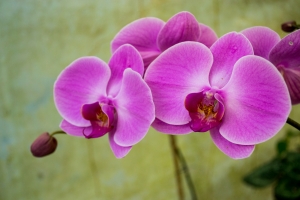
JPEGs
are usually better for reproducing
photographs.
-
JPEG format, with its support for 16.7 million colors, is
primarily intended for photographic images, particularly for use on the web
since the files are compressed
and download quickly.
-
When you save an image as a JPEG file, not all of the
information in the original image is preserved. This is because if it were,
the file size would be very large. JPEG removes some of the information to
keep the file size small.
-
Even though the files are compressed, they
can still support
-
JPEGs cannot
be animated.
-
They are
small to medium files, generally 72 ppi.
If you want to know
more about JPEG
 |
-
GIFs (either "jiff"
or "giff") are usually better for
reproducing clean-lined simple designs with strong flat colors such as logos or drawings.
-
GIF
files support a maximum of 256
colors, which makes them practical for almost all graphics except
photographs.
-
The GIF format supports transparency and is compressed.
-
If you are using original artwork that has only a
few colors, like logos, bullets or clip art, GIFs works better.
-
They can be animated, made with
transparent backgrounds, and interlaced.
-
They are generally SMALL
files.
If you want to know
more about GIFs
  |
|
|
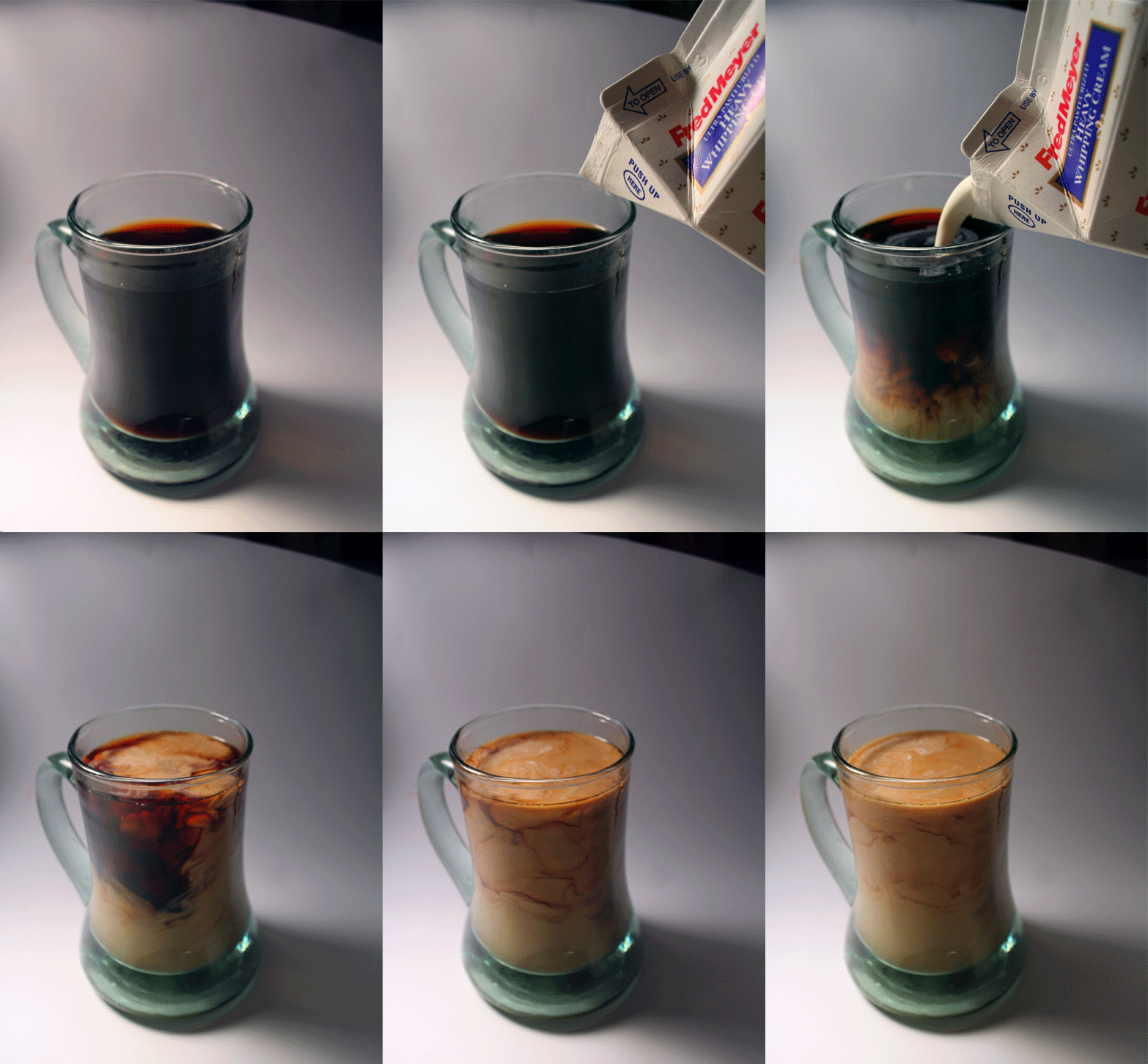
What format is this
graphic? How do you know??
Hands-on:
Homework:
Part 1 - Digital Photos, Pixels, Resolution
and File Size
Read these online explanations, then answer the questions in the 12digital
homework file
Part 2 - SUMMARY: Social, Legal and Ethical Issues on
the Internet
Read
this blog entry from Radical Parenting - it presents a case for banning
Photoshop as a tool for image manipulation in popular media. Do you agree? Write
a new blog entry and address some of the reasons the author gives for banning
Photoshop and support or defend your position. Who wrote the Radical Parenting
post? Does the author have a hidden agenda? Is this opinion-based or research
based? Here is the concluding paragraph to get you started thinking:
"These 7 main reasons make it reasonable to ban photoshop in ads, etc.
Photoshop exploits perfection, something that is non-existent. There really is
no point of exploiting perfection if it doesn’t exist. No matter how many
photoshopped women there are in magazines, etc, all women and teen girls are
beautiful in all shapes, sizes, and forms. To embrace what true beauty is,
companies need to stop using photoshop and promote women for who they really are
without modifying any feature."
You might also want to watch this
video -
<Log Off>