
Class 16 Notes are in progress and are subject to change
|
|
|
|
|
Class 16 Outline:
Copy 16animate from Class to your Groups folder
Save your animation in both a layered file and a GIF file for animation for a PowerPoint presentation or on a website.
Insert and activate the animation in a PPT presentation.
Hands-on:
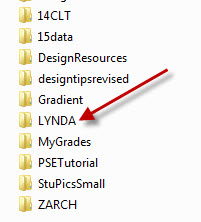
GIMP - an open source alternative - See Lynda.com - click here
What format is this graphic? How do you know??

Part One: create a custom-designed one-slide PPT presentation using at least three of the pictures you chose from ArtStor on the concept of Beauty. Make an animated GIF from those pictures to insert on your slide. Explain on the slide in one or two sentences why you made the choices you did. Add a footer with your name, class time, computer number, and the ArtStor URL. Save your slide as Beautyusername.pptx (use your own username) inside the 16animate homework folder. There is an example inside the folder but you can do better than that.
Part Two: Find Photoshop Elements for Windows Essential Training on Lynda.com (go to lynda.trinity.edu to sign in). Watch Chapter 7, working with layers, and Chapter 8, making selections.
Why should you do this?
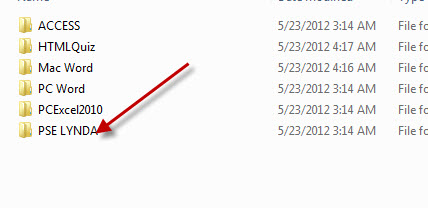
You can find the Lynda.com practice files in the Class folder
 |
 |
<Log out>