
Class 19 Notes are in progress and are subject to change
|
|
|
|
|
Class 19 Outline - class will be split between two topics depending on your class time check the Homework carefully for your class!!
Your Resume in a Digital World - writing, impressing updating
Advanced Power Point Techniques
<Log On>
Discourse
Minimize Discourse
All Classes: Copy 19custom from Class to shared (groups) folder
Make sure you have created a folder called 20present. Check to see that your presentation is in the right folder with the correct name. Go over guidelines for upcoming major PowerPoint presentation next Tuesday
8:30 and 11:20 classes -Your Resume in a Digital World - writing, impressing updating
2:10 Class- Advanced Power Point Techniques - Death by Powerpoint
Useful Links:
If you can master these fundamental concepts, your graphical treatments — from PowerPoint slides to Microsoft Word documents to company brochures — will greatly improve. And even if you will never be the one actually making (designing) the documents, you will be able to better judge what is good visual communication and what is not.
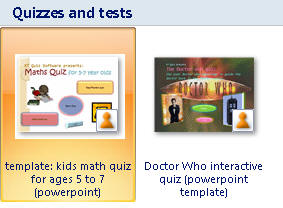
Practice files (in today's folder)
1. Customizing an Existing Template
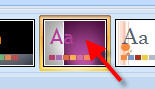
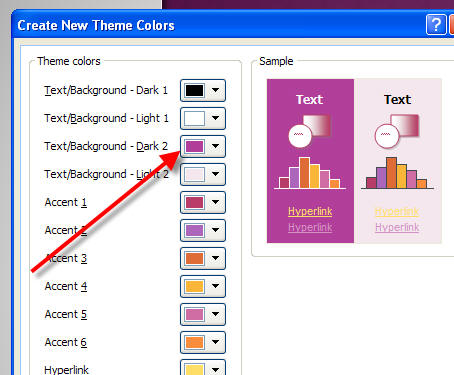

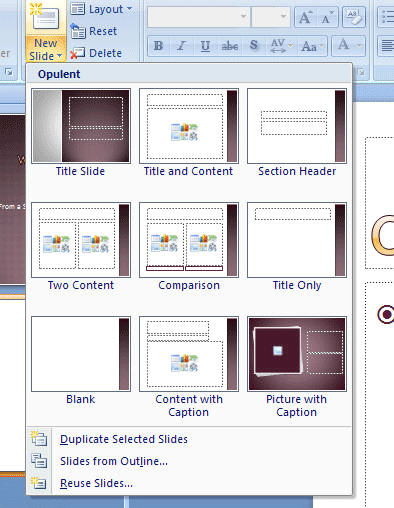
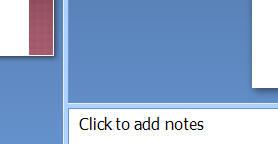
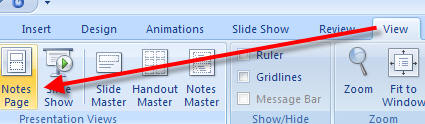
Now change to outline view
(tab on upper left)


2. Inserting Music and Videos


3. Timings and Advanced Effects in Power Point: Build PPT called One World in class (Tip from the readings - "Substitute emotionally intense visual images for dry bullet points")
- Special Effects (see Stacked folder in 19custom)
- Transition effects
- Stacking images
- Custom Animations - shapes and paths
- Adding and timing sounds and video
- Timing slides in Slide Show menu
Hands-on: How to Put a You Tube Video into PowerPoint 2007
All Classes: Read Text: Chapters 12 & 13 (499-564) Creating Presentations
2:10 Class
Based on what you learned today from Twyla Hough, create and/or update your personal resume. Save it in both a Word form and a PDF form inside the RESUME folder in 19custom.
8:30 and 11:20 Classes
Read the following links that are on the class web page. After reading the articles, make a blog entry with your reaction to the articles and advice for your classmates on their PowerPoint presentations. Make a list of five guidelines that YOU think are important - including what you find annoying about bad PowerPoint presentation.
Microsoft Training (good PowerPoint tutorials on special topics, FYI)
All Classes - Important! Work on your Major Powerpoint Presentation on your preferred/selected field of study, due Tuesday, March 30th. Don't wait till the last minute!
<Log off>