 |
Class 5
Notes are in progress and are subject to change
|
Class 5 Outline:
- Update the Excel 2007 spreadsheet of each individual student's semester grades
- Understand effective elements of
professional-looking document design for formal and informal publications
- Continue to explore MS Word 2007 as tool for
formatting newsletters and other publications
- Text wrap
- Text box
- Format and Format Painter
- Inserting pictures and logo
- Page breaks and columns
- Find and Replace
- Citations -
http://citationmachine.net
- Introduction to page layout using MS Word -
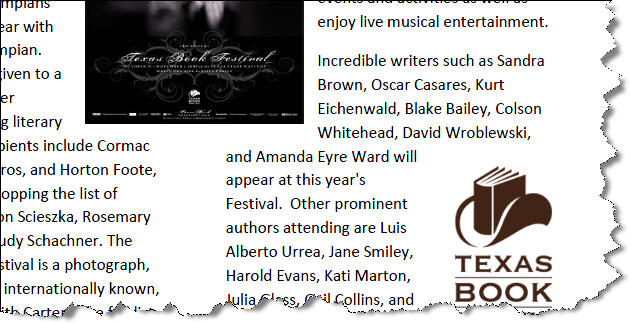
Texas Book Festival Press Release
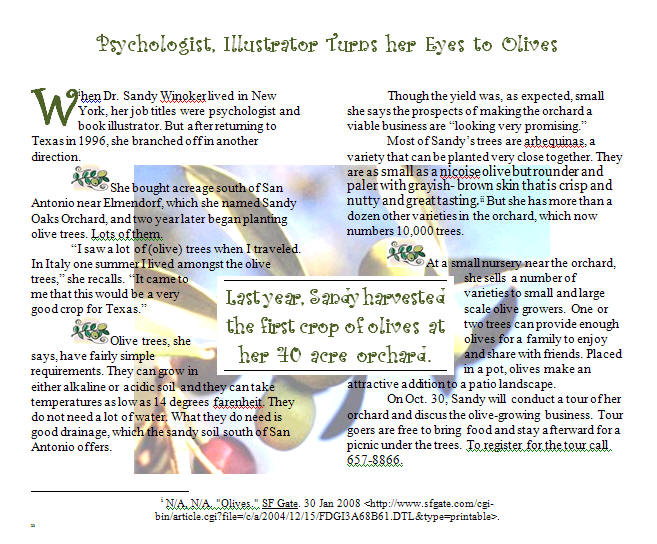
- Page layout, continued - Olives article
- Understand homework assignments
Log In to Discourse 131.194.71.230
Answer Questions
Minimize Discourse
Copy your photo
from the 2010spstupics folder from Class to Groups (you can just leave it
"loose" in your Groups folder - we may use it again).

Upload your photo
to your TLearn
Profile. If you have another photo (portrait-type) that you would prefer, you may
use that instead.

Quiz Next Tuesday,
February 2. The quiz will cover everything we have done so far this
semester, including hands-on assignments and practices in class, homework
assignments, readings, information from Joe Hatch and the Server
Room tour.
Copy 5photoword from the Class folder to your
Groups folder
Update Grades spreadsheet
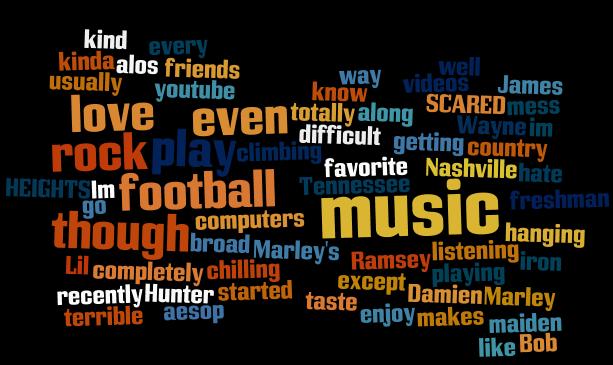
WORDLE - copy and paste your introductory blog
entry into wordle - take a screen shot of
your "word cloud." Paste it into paint and save. Upload it to your blog.
Whose WORDLE Graphic?
********Belisle's Easy Design Tips
for producing professional looking documents (without a degree in Graphic
Design)
Exploring Word 2007, continued - Formatting a document for publication
Show templates and show how to customize them:
Newsletter/Publication Templates in Word 2007
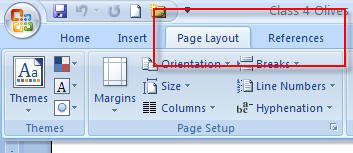
We have worked with the Home and Insert
tabs on the MS Word 2007 Ribbon - now we will use some additional features on the
Page Layout and References tabs as well.
- Open the folder called bookfest and follow the
directions in class

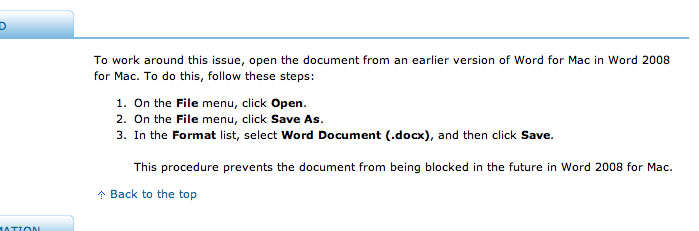
- SAVE THE PRESS RELEASE AS A PDF FILE USING
WORD
- Open the folder called Olives and follow the
directions in class
Homework
Open the
folder called BirthdayHomework inside 5photoword. You will see a blank
document called birthday.docx
- Use
your Internet search skills and knowledge of MS Word to produce a
one-page report on someone famous who shares your birthday. Include a
picture of the person downloaded from the Internet. Describe this person's
accomplishments and decide what characteristics you share with them, if any
- many people who study astrology think that people with shared birthdays
also share some personality traits.
-
Include the following Word features:
Two column format (excluding title and references)
Text box "Pull Quote"
Font changes, your choice
One clip art or autoshape and one downloaded photo
from the Internet
of your birthday buddy
- At
the end of the report, insert an endnote and list the search engine(s) and
directories that you used to get your information.
-
Demonstrate your knowledge of good design and correct grammar and spelling.
<Log Out>